4–10 BPM Sync: FTP Test Music That Follows Your Cadence for Cyclists
Jordan MillsAugust 30, 2026 · 11 min read
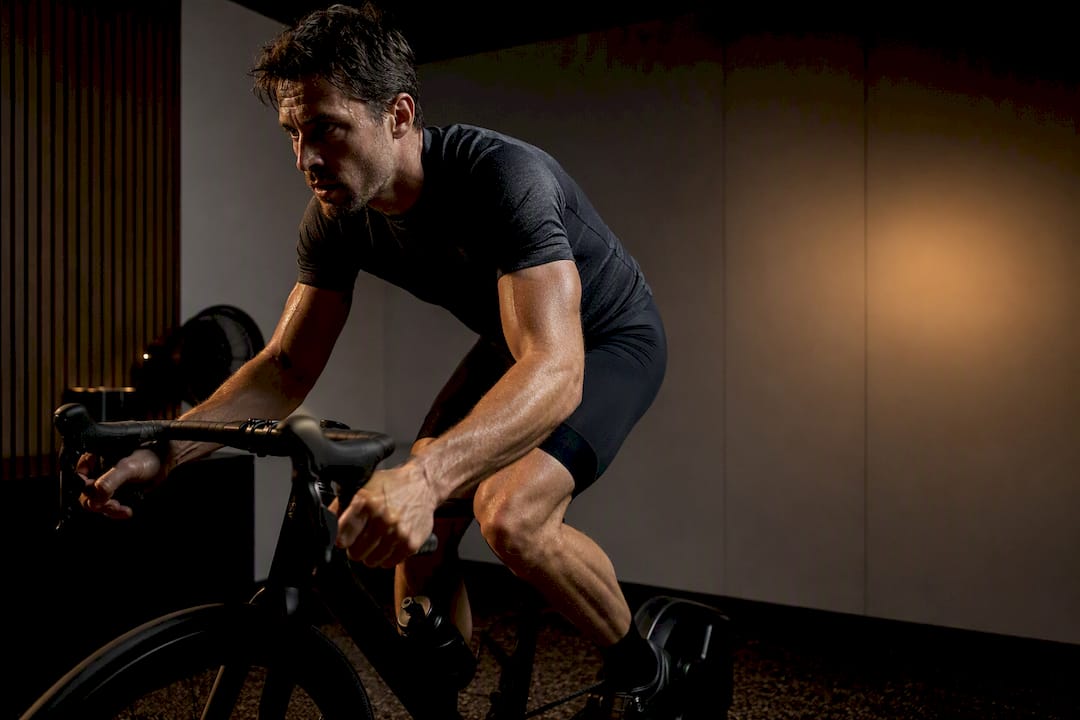
4–10 BPM Sync: FTP Test Music That Follows Your Cadence for Cyclists
Queue one uninterrupted high-energy playlist that runs the full 20 minutes, or use an adaptive-BPM option that tracks your effort in real time. Aim for cadence in a range commonly suggested by coaches, so your pedal stroke and the beat stay friends, not enemies. When the test ends, take your average power and multiply by 0.95. Repbeats is one adaptive route worth trying if you want the tempo to move with you instead of the other way around.
TL;DR:
- A beat-matched playlist should closely align with your target cadence in BPM, ideally between 170-178 BPM for an 85-95 RPM effort.
- Using adaptive music that adjusts tempo based on live cadence or heart rate can provide better pacing support as fatigue causes pedal stroke drift.
- Keep volume where you can hear cues and your breathing, with open ear or bone-conduction headphones preferred over sealed earbuds during your test.
- Building a rotating library of high-energy songs categorized by mood and BPM helps prevent fatigue and maintains motivation across multiple tests.
- Testing both static playlists and adaptive tempo options can reveal which approach better sustains your power and pacing during an FTP test.
Table of Contents
- Ready-to-Play Playlists for Your 20-Minute FTP Test
- How Do You Pick the Right Music for an FTP Test?
- How to Build a Rotation of Bucket Playlists
- What Should You Play Before the Test Starts?
- When Does Adaptive BPM Actually Help During an FTP Test?
- Getting Volume Right Without Losing Focus
- Building a Personal FTP Test Playlist on Streaming Apps
- A Personal Note on Test-Day Playlists
- Try Repbeats for Your Next FTP Test
- Sources
Ready-to-Play Playlists for Your 20-Minute FTP Test
You don’t need to build anything from scratch to get through today’s test. A handful of public playlists already exist specifically for this purpose, and they cover different rider personalities.
FTP // ROCK! by Black Line London is built for riders who want raw motivation over strict rhythm. It leans on driving guitar tracks with unpredictable tempo shifts, which suits people who respond to energy and grit rather than a locked beat. Start it at track one, right as your test clock starts, and let it run without skipping. It clocks in close to 20 minutes when played straight through.
For riders who pedal to the beat, an electronic or drum and bass focused mix works differently. Tracks in the 170 to 178 BPM range often map to a cadence in the mid to high 80s RPM when you match one pedal stroke to every other beat, according to the Indoor Cycling Association.
Mixed high-energy playlists split the difference. These blend rock, hip-hop, and electronic tracks so the tempo isn’t locked to one genre but the intensity never drops. Riders on forums like Reddit’s r/pelotoncycle frequently share exactly this kind of hybrid list, often built from whatever got them through their hardest interval sessions.
A few notes on how to use any of these:
- Start playback at the exact beginning of the test, not mid-song, so your mental countdown lines up with the music’s arc.
- If a playlist front-loads a slow intro track, cue past it or reorder it before you clip in.
- Save whichever list gets you through minute 15 without checking your screen. That’s the one worth reusing.
How Do You Pick the Right Music for an FTP Test?
Cadence and BPM aren’t the same thing, but they’re related enough to matter. If you ride at 90 RPM, a song running near 90 BPM (or 180, hitting every other beat) will feel like it’s pedaling with you. That’s the whole appeal of beat-matched music: your legs stop having to think about rhythm because the song is doing it.
But not everyone wants that. Coaches at the Indoor Cycling Association point out that riding strictly to the beat can backfire. Some riders find it distracting when the tempo doesn’t match their natural rhythm, and forcing cadence to fit a song can pull focus from power output. For those riders, music works better as an emotional push. A track with a rising chorus or a screaming guitar solo does more for you in minute 17 than a metronome ever could.
Use this quick checklist before you trust a playlist with your test:
- Check the BPM range. Does it sit near your target cadence, or is it wildly off?
- Listen for energy consistency. A slow bridge in the middle of a song can tank your motivation at the worst moment.
- Skip disruptive intros and outros. You don’t want 40 seconds of ambient noise burning test time.
- Confirm there’s one strong closer. The last two minutes need a track that can carry you through the finish.
Cadence guideline: Most coaches recommend 85 to 95 RPM for a 20-minute FTP effort. Combine that with the standard math: average watts over the 20 minutes, multiplied by 0.95, gives your estimated FTP.
How to Build a Rotation of Bucket Playlists
A “bucket playlist” is a large, categorized pool of high-energy songs you draw from repeatedly, rather than one bespoke playlist you retire after a single use. The Indoor Cycling Association has published bucket libraries running past 900 tracks precisely because reusing the same 20 songs test after test leads to fatigue. Your brain stops responding to a song once it knows exactly what’s coming.
Building your own version doesn’t take long:
- Pick five or six core “driving” tracks with strong, consistent energy from start to finish.
- Add three or four shorter supporting songs to fill gaps between the big ones.
- Choose one closer you save for the final two to three minutes, every time.
- Do a dry run at low intensity to check transitions and total runtime before test day.
Sort your bucket into categories like “rock drive,” “electronic tempo,” and “vocal motivation” so you can swap entire moods without rebuilding the list from zero. If you want a source for BPM-consistent tracks by workout type, a chart like Repbeats’ BPM guide is a fast way to sort options by tempo instead of guessing.
Pro Tip: Rotate at least two or three songs out of your bucket playlist before every repeat test. Familiarity dulls the emotional kick a song gives you, even if you don’t consciously notice it happening.
What Should You Play Before the Test Starts?
Your warm-up sets up the whole test, and the music should match that job. A loose structure works well: five to ten minutes of easy spinning, a five-minute harder prep effort to open the legs, then another short easy spin before you go all-out.
- During the easy spin, keep the music low-key. Something in the 100 to 120 BPM range works fine here since you’re not chasing cadence yet.
- For the five-minute hard prep effort, switch to something closer to your test tempo, roughly 160 to 180 BPM if you’re beat-matching, so your body starts adjusting before the real effort begins.
- Drop back to an easy song for the final settle-in minute, then hit play on your main test track the instant you start your effort.
- Set a visible countdown or use your power meter’s timer so the music start and the test start happen in the same second, not a beat late.
When the 20 minutes end, log your average power. Multiply by 0.95 to get your estimated FTP, per the standard field test protocol.
When Does Adaptive BPM Actually Help During an FTP Test?
Beat-matched playlists work fine until your cadence drifts, and it will drift. Fatigue changes your pedal stroke minute by minute, and a fixed playlist can’t follow that. This is where adaptive music, which adjusts tempo to your live cadence or heart rate instead of locking to a preset BPM, earns its place.
A rigid tempo match can feel like it’s fighting you the moment your cadence shifts even slightly. A tighter, forced BPM match tends to feel more restrictive than helpful once fatigue sets in.
Repbeats recommends a 4 to 10 BPM sync window rather than an exact match. That range gives you enough tempo guidance to hold pace without the sensation of being locked to a metronome that doesn’t care how your legs feel. Pair it with a wearable like an Apple Watch or Fitbit so the app has live cadence or heart rate data to work from, and run one test with adaptive music before comparing it against a standard playlist to see which one actually helps your pacing.
Pro Tip: Adaptive tempo is a pacing aid, not a replacement for reading your own effort. Watch your power numbers first; let the music support that, not override it.
Getting Volume Right Without Losing Focus
Too loud, and you lose the ability to hear your breathing, your trainer’s resistance changes, or a coach calling out splits. Too quiet, and the music stops doing its job in the exact minutes you need it most.
A practical range: loud enough that you can’t hold a conversation over it, but not so loud that you can’t hear your own breath rate change.
Bone-conduction headphones or one open ear tend to work better than sealed in-ear buds for this specific test. You want the music present without shutting out cues from your body or your setup. If you’re on a smart trainer with structured workout software, keep any spoken cues or alerts audible over the music. Missing a countdown because a chorus was too loud defeats the purpose of running a controlled test.
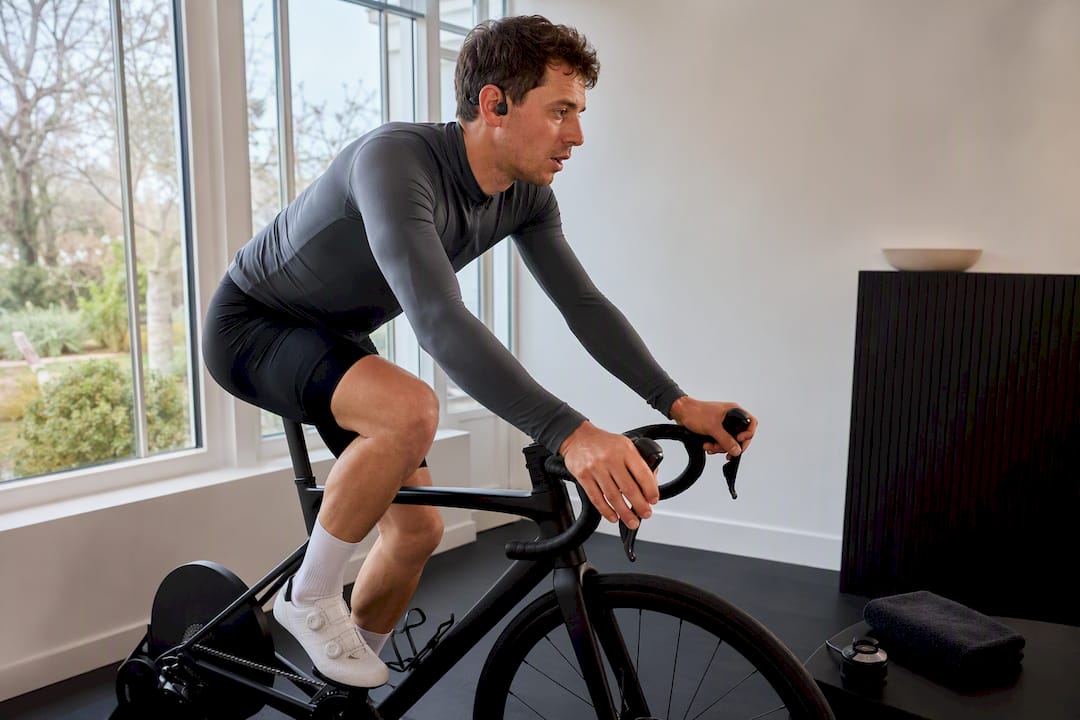
Turn volume up slightly in the final five minutes if you tend to fade mentally before you fade physically. That’s often the exact window where a louder chorus does more work than any pacing strategy.
Building a Personal FTP Test Playlist on Streaming Apps
Most riders already have a streaming account, and building a dedicated FTP test playlist takes about ten minutes once you know what to grab. Search public playlists first, like FTP // ROCK!, and save any individual tracks that hit hard rather than saving the whole list blind.
From there, create a new playlist named something specific, like “FTP Test A” and “FTP Test B,” so you can rotate between two or three versions instead of wearing one out. Drag in eight to ten songs, order them so energy builds rather than dips, and time the total runtime against a stopwatch to confirm it lands near 20 minutes.
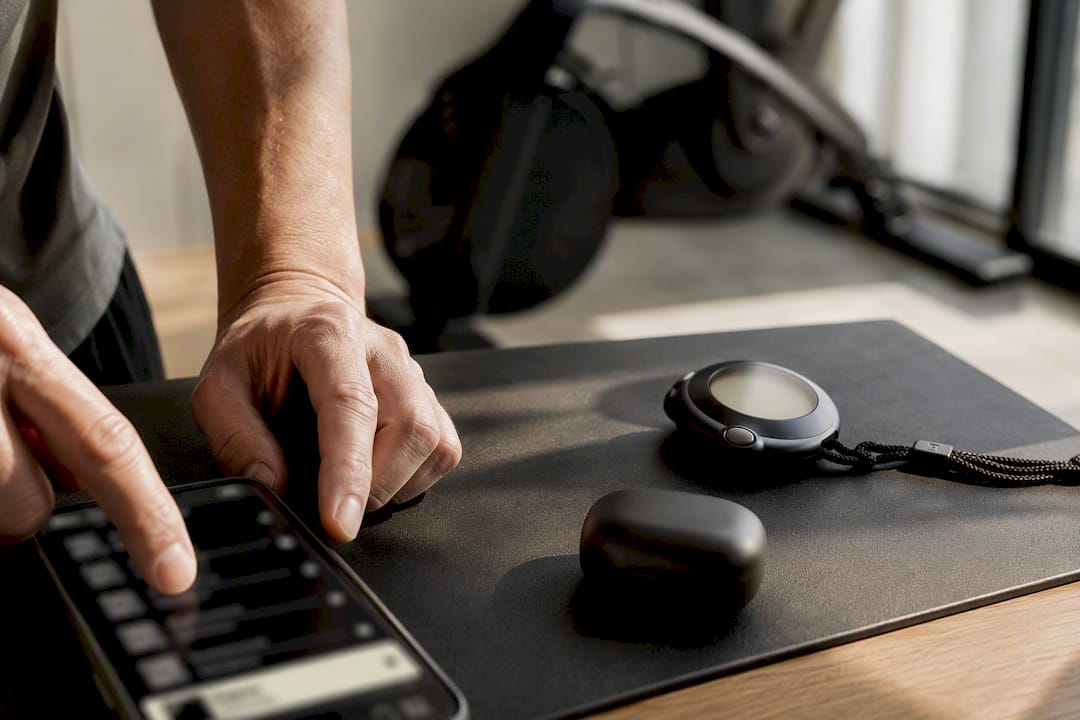
If your platform supports BPM filtering or you use a third-party BPM lookup, sort candidate tracks by tempo before adding them, especially if you’re building a beat-matched list rather than an emotional-drive one. Riders training with structured platforms sometimes look for a sports partner or training group to share playlist ideas with, which is a quick way to find tracks that already work for other testers.
Save the final version offline if your connection during trainer sessions is unreliable. Nothing kills a test faster than a buffering pause at minute 12.
A Personal Note on Test-Day Playlists
I lean on playlists that build in structured waves rather than staying flat, with one loud, lyric-heavy track saved for the closing two minutes. On one test, a screaming chorus hitting right at minute 18 pulled another 15 watts out of me that I didn’t think I had left.
Try one playlist this week, log your average power, and see what the ×0.95 number tells you. Then try a different structure next time and compare.
— Jordan Mills
Try Repbeats for Your Next FTP Test
Repbeats is the option for riders tired of manually rebuilding playlists every time cadence drifts mid-effort. Instead of a fixed BPM track list, it pulls live data from your Apple Watch or Fitbit and adjusts the music’s tempo every bar to stay within that 4 to 10 BPM window around your actual cadence and heart rate.

That means no more picking between a strict metronome playlist and a pure motivation mix. The app handles both by shifting with you as fatigue changes your pedal stroke through the back half of the test. Setup takes a few minutes: connect your wearable, pick a cycling session, and let the auto-DJ take over from there.
If you want to compare a standard playlist against adaptive tempo on your next test, start with a trial through the Repbeats landing page and run both back to back. The power numbers will tell you which one actually helped.


