Spin Class Music BPM: Drill-by-Drill Tempo Guide
Jordan MillsAugust 2, 2026 · 14 min read
Spin Class Music BPM: Drill-by-Drill Tempo Guide
TL;DR:
- Matching spin class music to pedal cadence using the 2:1 ratio helps optimize class intensity and cadence locking. Verifying BPM with tools like SongBPM ensures accurate playlist choices, while adaptive music apps maintain rhythm consistency during live classes. Effective resistance cues and flexible ratio changes improve safety and training value for riders.
For most spin class segments, the practical BPM bands break down like this: warm-up moderate BPM, endurance moderate to higher BPM, climbs slower BPM or higher depending on ratio, sprints high BPM, and recovery lower BPM. The default ratio most instructors use is 2:1, meaning one pedal stroke per two beats. At that ratio, a rider holding 85 RPM needs music at 170 BPM. An analysis of thousands of cycling playlists found the average BPM across top-rated cycling tracks is approximately 127.98 BPM, which lines up neatly with a 64 RPM endurance pace at 2:1 mapping. To verify any track before class, check it on SongBPM or pull up the song in Spotify and confirm the tempo.
- Warm-up: moderate BPM (moderate RPM at 2:1)
- Endurance: moderate to higher BPM (moderate RPM at 2:1)
- Climbs: lower BPM at 1:1 (equivalent RPM) or moderate BPM at 2:1 (equivalent RPM)
- Sprints: high BPM (high RPM at 2:1)
- Recovery: lower BPM (lower RPM at 2:1)
Table of Contents
- How BPM and RPM map to each other in spin class
- Practical BPM bands for every spin class segment
- How to build a spin playlist that actually works
- How to find and verify a song’s BPM before class
- Why resistance matters as much as BPM for safe, effective classes
- What the research says about BPM-driven classes and adaptive music
- How to test BPM choices across two or four classes
- Key Takeaways
- The part of BPM planning most instructors skip
- Repbeats makes adaptive tempo practical for instructors
- Useful sources
How BPM and RPM map to each other in spin class
BPM (beats per minute) measures musical tempo. RPM (revolutions per minute) measures pedal cadence. They are different units measuring different things, but in a spin class they need to talk to each other.
The beat:pedal ratio is the bridge. At 2:1, a rider takes one pedal stroke for every two beats, so a 160 BPM track drives an 80 RPM cadence. At 1:1, every beat gets a stroke, so that same 160 BPM track would push 160 RPM, which is physiologically impossible for most riders. The formulas are simple:
- 2:1 ratio: Music BPM = RPM × 2 (e.g., 90 RPM → 180 BPM)
- 1:1 ratio: Music BPM = RPM (e.g., 75 RPM → 75 BPM)
Most instructors default to 2:1 for a practical reason: it opens up the entire pop, hip-hop, and EDM catalog. A 160 BPM track at 2:1 puts riders at a comfortable 80 RPM endurance pace. The same track at 1:1 would be a sprint no one can sustain. The recommended spinning cadence range is 60–110 RPM, which at 2:1 translates to a music range of 120–220 BPM, giving instructors enormous flexibility.
The 1:1 ratio has a specific use case: slow, heavy climbs. When you want riders grinding at 60–70 RPM with high resistance, a 60–70 BPM track at 1:1 reinforces that deliberate, powerful stroke. The music feels like it’s pushing down with them.
Pro Tip: When you switch ratios mid-class, say it out loud. “We’re going 1:1 now, one stroke per beat” prevents half the room from doubling their cadence and losing form.
- 2:1 is the default for endurance, tempo, and sprint work
- 1:1 works best for heavy seated or standing climbs
- Always announce ratio changes before the drill starts
- Use the formula RPM × 2 as your quick mental check when scanning a playlist
Practical BPM bands for every spin class segment
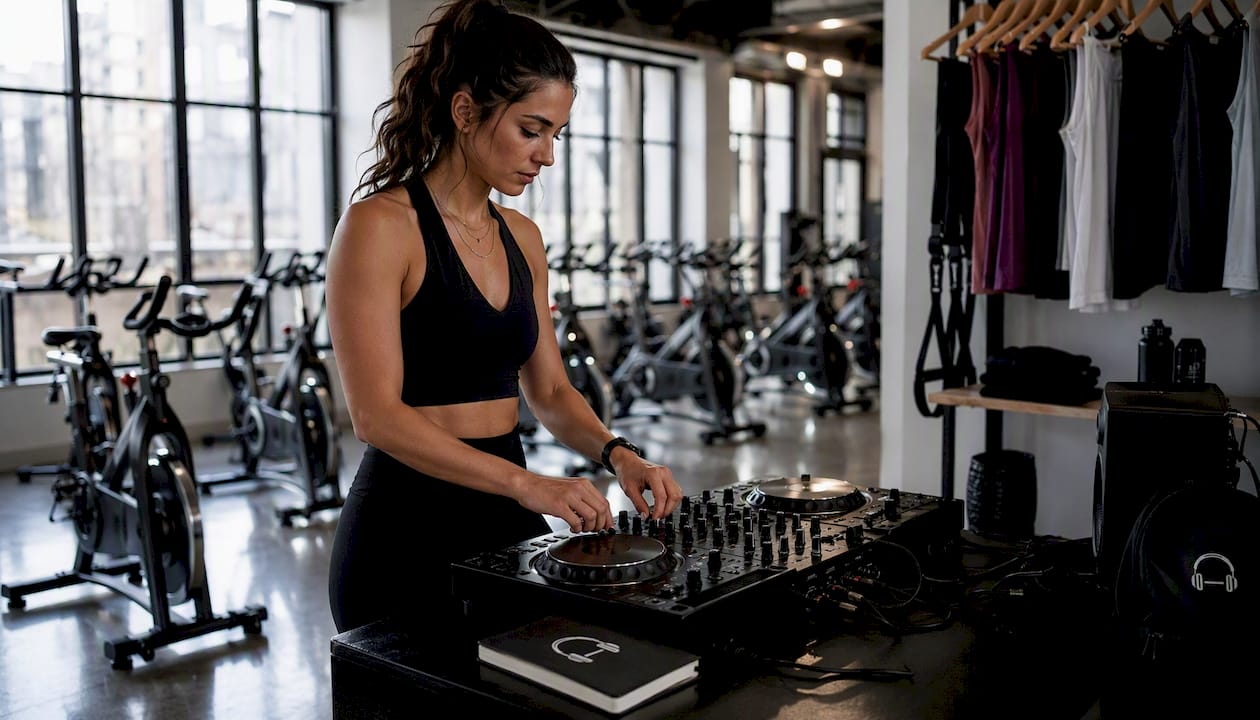
The table below maps each class segment to a target RPM, the corresponding music BPM at 2:1, and a sample drill. Use it as a quick reference when building or editing a playlist.
| Segment | Target RPM | Music BPM (2:1) | Sample Drill |
|---|---|---|---|
| Warm-up | 60–65 | 120–130 | 8–10 min easy spin, light resistance, posture check |
| Endurance | 65–75 | 130–150 | 10 min steady state, moderate resistance |
| Tempo/Threshold | 75–85 | 150–170 | 6–8 min at 70–80% max HR, controlled breathing |
| Seated climb | 60–70 | 120–140 (2:1) or 60–70 (1:1) | 4–6 min heavy resistance, low cadence |
| Standing climb | 60–65 | 110–130 (2:1) or 60–65 (1:1) | 3–4 min out of saddle, full body engagement |
| Sprint | 80–90 | 160–175 | 3×30s all-out, 30s recovery between |
| Cool-down | 60 | 100–120 | 5–8 min easy spin, resistance off, stretch cues |
A few notes on how to read this in practice. The endurance block is where most of your class time lives, so the 130–150 BPM range is the one to nail first. Tracks in that window with a strong, consistent kick drum are ideal because riders can lock onto the beat without consciously counting. For sprints, high-tempo music above 130 BPM has been shown to improve perceived exertion and extend exercise duration, so pushing into the 160–175 BPM range for a 30-second all-out effort is well-supported.
Climbs are the segment where instructors most often make the wrong call. Dropping to 1:1 at 60–70 BPM sounds slow, but it matches the deliberate, heavy stroke of a real climb. Keeping a 140 BPM track during a climb just makes riders spin fast with no resistance, which produces almost no training value.
How to build a spin playlist that actually works
The structure of a well-built playlist does more coaching work than most instructors realize. When BPM shifts signal transitions, riders feel the change before you say a word.
The ordering logic: warm-up → build → core endurance → climb block(s) → sprint(s) → cool-down. BPM should rise through the build, plateau during endurance, dip for climbs, spike for sprints, and fall steadily through cool-down. That arc is the class’s emotional shape.
Playlist-building checklist:
- Map your drills first, then find songs to fit. Never build a drill around a song you love.
- Choose tracks with intros of at least 16–32 bars. That gives you time to cue posture, resistance, and cadence before the beat drops.
- Keep BPM jumps between consecutive tracks under 15–20 BPM. Abrupt tempo changes break cadence lock and confuse riders.
- When switching from 2:1 to 1:1, insert a transitional track at a neutral tempo (around 120 BPM) so the ratio change feels intentional.
- Match musical phrase lengths to drill lengths. An 8-bar chorus lines up with a 30-second sprint at 160 BPM. A 16-bar verse works for a 60-second endurance push.
- Pre-listen to every track at the point where you plan to cue. Some songs have a slow intro that suddenly jumps 20 BPM at the drop.
- Build a “rescue” folder of 3–4 tracks at 130–140 BPM you can drop in if a drill runs long or a transition feels off.
Pro Tip: Experienced instructors map class structure to song structure: verse = recovery, chorus = effort peak. When the chorus hits, riders are already primed to push harder. You spend less time cueing and more time coaching.
How to find and verify a song’s BPM before class
Trusting a track’s BPM without checking it is how you end up with a sprint song that’s actually 128 BPM and a climb track that’s secretly 160 BPM. Verify everything.
Reliable tools:
- SongBPM: Search by artist or track title. Returns BPM instantly. The fastest option for day-of-class checks.
- Spotify: Open the track in a desktop client. Third-party tools like Soundiiz or the Spotify Web API can pull audio features including tempo. Alternatively, public cadence-specific playlists on Spotify are already organized by RPM target, which gives you a pre-vetted starting point.
Handling compound and half-time feels: Some tracks feel slower than their notated BPM because the groove sits on half-time. A song tagged at 140 BPM might feel like 70 BPM to your riders. Always listen to how the beat feels at the body level, not just what the database says. If a 140 BPM track feels like 70, treat it as 70 BPM and plan your ratio accordingly.
Warning: Live recordings, acoustic tracks, and anything with rubato (flexible tempo) will drift in BPM mid-song. A track that starts at 132 BPM might hit 138 BPM by the bridge. Pre-edit these tracks to a fixed section, or avoid them entirely for cadence-locked drills.
Pro Tip: Use Repbeats’ BPM search to filter your library by target tempo before building a set. It saves the manual lookup step for every track.
Why resistance matters as much as BPM for safe, effective classes
Fast music does not equal a hard workout. That distinction matters most in spin, where cadence and resistance are separate variables.
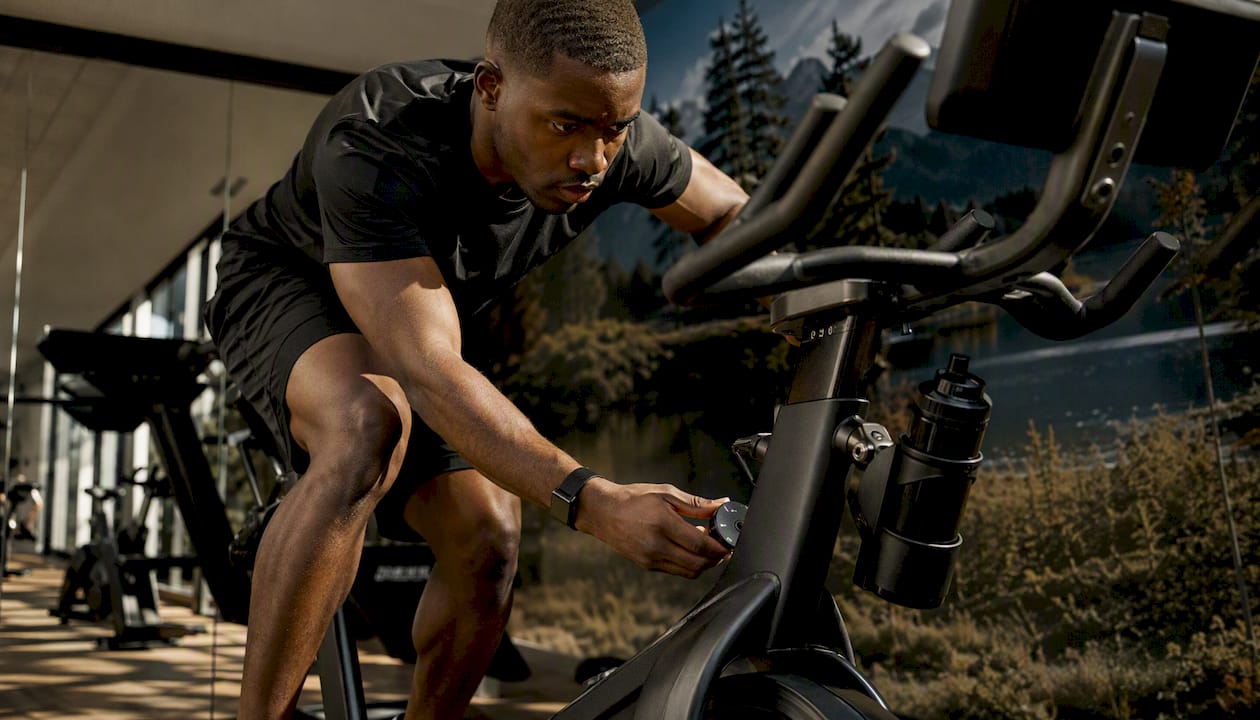
Power in indoor cycling is the product of cadence multiplied by resistance. A rider spinning at 100 RPM with zero resistance is barely working. A rider at 70 RPM with heavy resistance is producing real training stimulus. Music tempo affects perceived exertion and exercise persistence, but it cannot substitute for appropriate load. Your job as an instructor is to use BPM to drive cadence, then layer resistance on top to create actual intensity.
Common instructor mistakes to avoid:
- High BPM + no resistance cue: riders spin fast, HR stays low, training value is minimal
- Dropping BPM for a climb without telling riders to add resistance: the music slows them down but the workout doesn’t get harder
- Ignoring heart-rate zones: a 160 BPM sprint track means nothing if riders are in zone 2 the whole time
- Keeping sprint BPM too long: 30–45 seconds is the functional ceiling for most riders at 85+ RPM; beyond that, form breaks down
- Skipping recovery tracks: heart rate and breathing rate are directly affected by music tempo, so a proper cool-down track at 100–115 BPM actively helps physiological recovery
Simple safety cues to build into every class: announce resistance changes before cadence changes, cue posture on every long intro, and keep sprints under 45 seconds with at least equal recovery time.
What the research says about BPM-driven classes and adaptive music
Analysis of thousands of cycling playlists found the average BPM across top-rated cycling tracks is approximately 127.98 BPM. At 2:1, that maps to roughly 64 RPM, sitting at the lower end of the endurance range. It suggests most popular cycling playlists are built for moderate-effort steady-state work, not sprints or threshold intervals. If your class includes high-intensity intervals, you will need to go well above the average and curate deliberately.
Academic work reinforces the practical value of tempo targeting. Research from 2011 identified the 125–140 BPM range as particularly effective for cycling performance metrics, including time-to-exhaustion and perceived exertion.
Where adaptive music tools change the equation:
- Manual playlists require you to predict cadence in advance. Adaptive tools respond to what’s actually happening in the room.
- Repbeats pairs with Apple Watch and Fitbit to read live cadence and heart-rate data, then adjusts music tempo bar by bar using its auto-DJ engine.
- When a rider’s cadence drifts below target, the tempo nudges up. When a sprint ends and cadence drops, the music follows without a manual track change.
- The wearable cadence data integration means the playlist adapts to the class rather than the class adapting to the playlist.
Implementation steps for instructors:
- Pair your Apple Watch or Fitbit with Repbeats before class
- Set a target cadence profile for each class segment
- Enable adaptive tempo smoothing so BPM shifts happen gradually between bars
- Monitor engagement and cadence lock during the first two classes
- Use manual override when you want to hold a specific track regardless of live data
How to test BPM choices across two or four classes
The fastest way to know whether your tempo choices are working is a simple A/B comparison across two classes with identical drills but different BPM selections.
Step-by-step testing plan:
- Choose one drill to test, such as a 10-minute endurance block. Run it at 130 BPM (2:1, 65 RPM target) in class one and at 145 BPM (2:1, 72 RPM target) in class two.
- Pre-label every song in your playlist with its BPM so you can reference it quickly during class.
- Cue riders to a specific RPM target at the start of the drill. “We’re aiming for 70 RPM, one stroke every two beats.”
- Collect data during and after: wearable average cadence, average heart-rate zone, and a quick verbal RPE check (1–10 scale) at the drill’s end.
- Compare one metric per class. Don’t try to evaluate everything at once. Cadence hit-rate is the clearest signal.
Measurement checklist:
- Cadence target hit-rate: what percentage of the drill did riders hold the target RPM?
- Average resistance level: did riders add load, or did they spin freely?
- Average heart-rate zone: were riders in the intended zone for the drill type?
- Subjective energy (RPE): did riders report the effort felt appropriate, too easy, or too hard?
- Verbal feedback: did anyone mention the music felt off-tempo or hard to follow?
Run the same test over four classes before drawing conclusions. Two data points can be noise; four starts to show a pattern. Syncing music to workout intensity using wearable data removes the guesswork from this process entirely, since the app logs tempo and cadence together.
Key Takeaways
Matching spin class music BPM to pedal cadence using the 2:1 ratio, verified tempos, and segment-specific BPM bands is the single most reliable way to improve cadence locking and class intensity.
| Point | Details |
|---|---|
| Use 2:1 as your default ratio | Multiply target RPM by 2 to get the music BPM you need for any drill. |
| Match BPM to each segment | Warm-up 120–130, endurance 130–150, sprints 160–175, recovery 100–120 BPM. |
| Verify every track’s BPM | Use SongBPM or Tunebat before class; never trust a track’s feel alone. |
| Pair cadence cues with resistance | Fast BPM without a resistance cue produces low training value regardless of tempo. |
| Repbeats adapts tempo live | Repbeats pairs with Apple Watch and Fitbit to adjust BPM bar by bar, keeping music aligned with actual cadence throughout class. |
The part of BPM planning most instructors skip
The BPM frameworks in this guide are solid. But the instructors who get the most out of them are the ones who treat the structure as a starting point, not a script.
Here’s what that looks like in practice. You’ve built a playlist with a 10-minute endurance block at 140 BPM, targeting 70 RPM at 2:1. The track has a long intro, the resistance cue is ready, and the math checks out. Then you walk into class and the room is running hot. Everyone’s already at 80 RPM before the block starts. The “right” BPM on paper is now the wrong BPM for this room.
The instructors who notice that and swap to a 160 BPM track mid-block, or hold the 140 BPM and cue heavier resistance to slow the cadence down intentionally, are doing something the BPM chart can’t do for them. They’re reading the room.
BPM planning gives you the vocabulary to make those decisions quickly. Without it, you’re guessing. With it, you know exactly what a 10 BPM shift will do to cadence, and you can choose it deliberately. The 2:1 conversion, the segment bands, the verified tempos — those are tools. The judgment about when to use them is still yours.
Repbeats makes adaptive tempo practical for instructors
Manual playlist building gets you most of the way there. The gap it leaves is the live class, where cadence drifts, energy spikes unexpectedly, and no pre-built playlist can account for what’s actually happening in the room.

Repbeats closes that gap. The app pairs with Apple Watch and Fitbit to read live cadence and heart-rate data, then uses its auto-DJ engine to update music tempo every bar, keeping the beat aligned with where your class actually is, not where you predicted it would be. The BPM library is searchable by tempo, so you can build segment-specific queues before class and let the app handle real-time adjustments during it. Manual override is always available, so adaptive mode augments your choices rather than replacing them.
Instructors who want to move beyond static playlists can start a free trial at Repbeats and pair their wearable before the next class. The setup takes minutes; the difference in cadence locking shows up in the first session.
Useful sources
- Effects of music tempo on exercise performance (2011 study) — Academic research on the 125–140 BPM performance window
- Music and exercise: Effects of tempo on perceived exertion (2019) — Research on tempo above 130 BPM and perceived exertion
- Understanding BPM and RPM in the Cycling World — Instructor-facing RPM range guidance and drill examples
- SongBPM — Fast BPM lookup by track or artist for pre-class verification
- Cycling cadence 90–100 RPM playlist (Spotify) — Example of a cadence-organized public playlist for reference
- Repbeats: Adaptive Workout Music & BPM Playlists — Adaptive tempo app with wearable pairing and auto-DJ features for instructors
- Find songs by BPM for wearable-synced workouts | Repbeats — Practical guide to filtering a music library by BPM target


