Tabata Music BPM: Best Tempos for Every Movement
Jordan MillsAugust 1, 2026 · 10 min read
Tabata Music BPM: Best Tempos for Every Movement
TL;DR:
- Choosing the right BPM depends on your movement type during Tabata, with 140 BPM being a versatile choice. Properly structured music with embedded cues and accurate formatting improves interval accuracy and workout effectiveness. Adaptive apps like Repbeats automatically sync tempo to your real-time cadence, enhancing performance and focus.
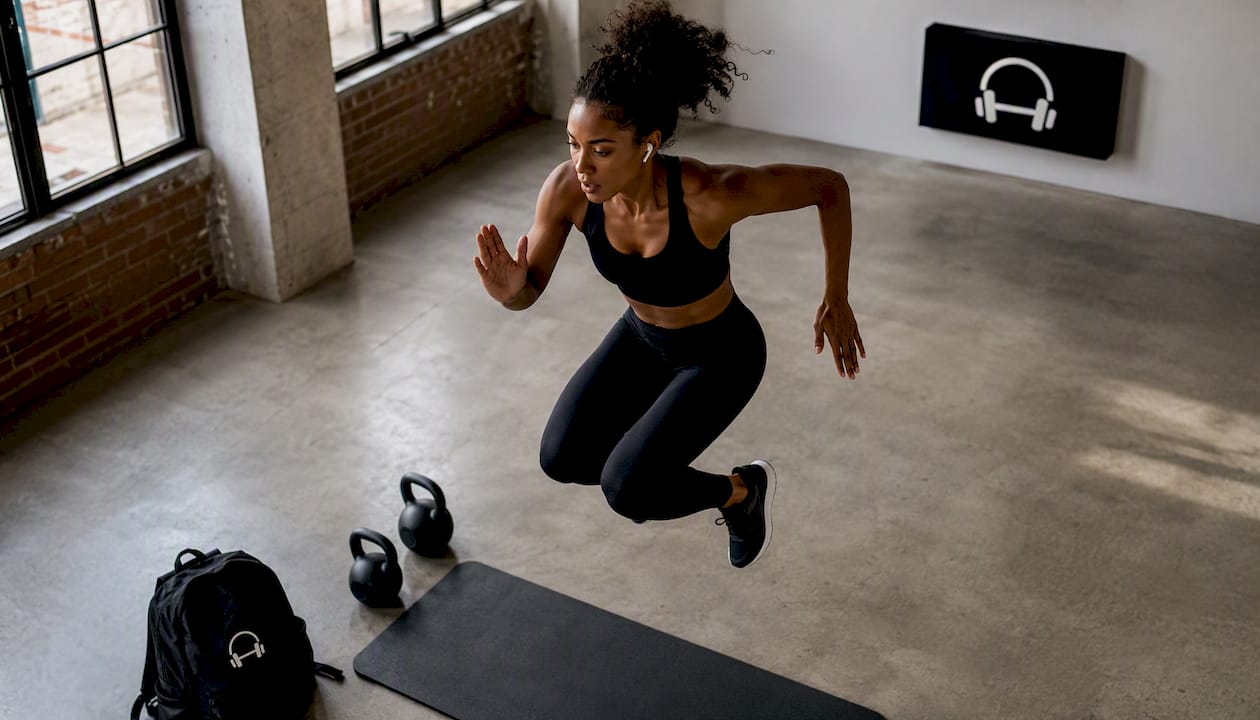
For most Tabata workouts, the sweet spot is generally in a moderate to fast BPM range. Strength-focused moves like squats and push-ups land best at a controlled tempo range. Mixed cardio and calisthenics sit at a moderately high tempo range. Jump-heavy or sprint-style Tabata calls for the fastest tempos, where one beat drives one explosive rep.
The fastest way to get music that actually cues your intervals:
- Pre-formatted Tabata tracks with embedded vocal cues (Tabata Songs, Workout Music Lab, Power Music Workout on Spotify) — hit play and go.
- Streaming playlists labeled by BPM, such as the Power Music Workout Tabata series on Spotify, which packages multiple tracks with 20/10 vocal cues already built in.
- Adaptive-music apps like Repbeats that sync tempo to your live heart rate and cadence, so the BPM adjusts automatically rather than staying fixed.
Quick start: If you want one pick right now, grab a Tabata-formatted track with vocal cues in a mid-tempo range. It covers a broad range of movement types and requires zero editing.
Table of Contents
- What BPM should you use for Tabata?
- How does Tabata timing translate to beats per interval?
- Which BPM range fits your exercise type?
- How do you find or build Tabata-formatted music?
- Does tempo-matched music actually improve Tabata performance?
- Key Takeaways
- The tempo obsession most Tabata practitioners get wrong
- Repbeats syncs your Tabata BPM automatically
- Useful sources and where to find Tabata music
What BPM should you use for Tabata?
The right tempo depends on what your body is doing during the 20-second work phase, not just what sounds fast.
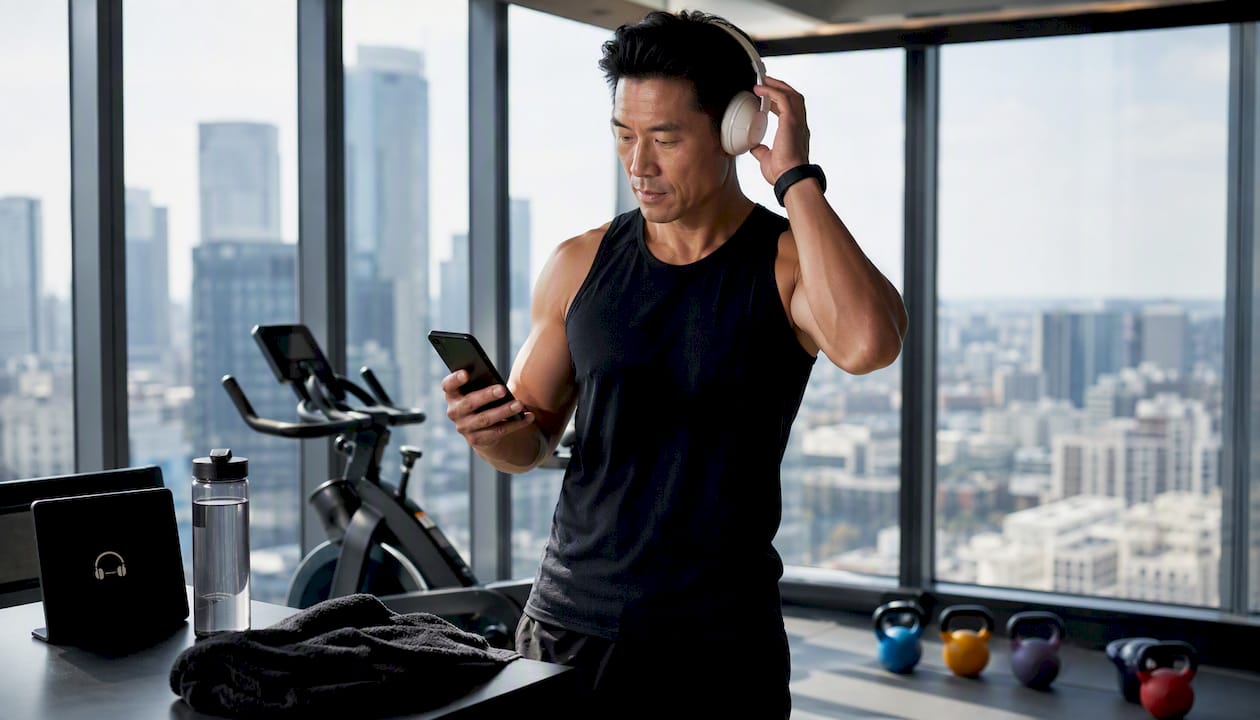
- 136–145 BPM: — High-impact cardio and plyometrics. Box jumps, high knees, and lateral bounds. Workout Music Lab’s Tabata 10 is available at 136, 138, 140, and 150 BPM specifically to cover this range.
Pro Tip: Test your cadence before committing to a BPM. Do 10 reps of your main exercise at a natural pace and count how long it takes. If 10 reps take about 8 seconds, you’re moving at roughly 75 reps per minute — a 150 BPM track gives you two beats per rep, which feels locked in.
One practical note: most people start with a BPM that’s too low for jumps or too high for strength work. Matching the tempo to the movement, not just to the energy you want, is what keeps cadence clean across all eight rounds.
How does Tabata timing translate to beats per interval?
According to ACE Fitness, the Tabata protocol is exactly 8 rounds of 20 seconds of maximum-intensity work followed by 10 seconds of rest, totaling 4 minutes. That 30-second cycle is the unit everything else builds on.
The math to verify whether a track fits:
- Beats per 20-second work phase: (BPM ÷ 60) × 20
- Beats per 30-second cycle: (BPM ÷ 60) × 30
Three worked examples:
- 120 BPM: 40 beats per 20s work phase / 60 beats per 30s cycle
- 140 BPM: 46.7 beats per 20s work phase / 70 beats per 30s cycle
- 150 BPM: 50 beats per 20s work phase / 75 beats per 30s cycle
The 4-minute anchor: Eight rounds of 20s work + 10s rest = exactly 240 seconds. Every BPM calculation and track edit should start from this fixed block.
Why does the beat count matter? Tracks where the beat count per 20-second phase lands close to a whole number are easier to align with vocal cues and rep cadence. At 150 BPM, you get exactly 50 beats in the work phase — clean and predictable. At 140 BPM, you get 46.7, which is workable but means the musical phrase won’t always resolve cleanly on the interval boundary. That’s one reason vendors like Workout Music Lab produce mixes at 150 BPM as a separate option.
Which BPM range fits your exercise type?
Here’s how common tempos map to movement types, with the beats-per-interval numbers so you can scan and decide.
| BPM | Beats per 20s | Beats per 30s | Best for |
|---|---|---|---|
| 120 | 40 | 60 | Slow strength, weighted movements |
| 128 | 42.7 | 64 | Bodyweight circuits, moderate cardio |
| 136 | 45.3 | 68 | High-impact cardio, plyometrics |
| 140 | 46.7 | 70 | Mixed Tabata, most versatile pick |
| 150 | 50 | 75 | Fast jumps, sprint-style intervals |
| 160 | 50 | 75 | Max-speed sprints, fast jump rope |
A few trade-offs worth knowing:
- Mid-range BPM (136–145): — One beat per rep is achievable for most plyometric moves. This is where Power Music’s Tabata mixes cluster, with work sections running 136–150 BPM and cool-downs dropping to around 65 BPM.
Pro Tip: If you’re unsure whether to go 140 or 150 BPM, pick the higher one. Most people find that a slightly faster track pushes intensity during the work phase without affecting rest, and the vocal cues keep the timing honest regardless.
How do you find or build Tabata-formatted music?
A track at the right BPM isn’t enough on its own. The music needs to be structured around the 30-second cycle so the intensity peak lands in the work phase and the rest phase feels musically distinct. Standard playlist tracks don’t do this — they just play at a fixed tempo with no interval awareness.
Ready-made sources:
- Tabata Songs produces music built specifically for the 4-minute protocol, with vocal cues that call out “go” and “stop” at each interval boundary. Their catalog includes follow-along videos and timers.
- Tabata Trax structures tracks as: 2-minute warm-up at 120 BPM → 8 intervals (20s at 140 BPM / 10s at 120 BPM) → 2-minute cool-down. The tempo shift itself signals the interval change.
- Workout Music Lab and Power Music sell multi-BPM Tabata mixes with warm-up, workout, and cooldown sections already formatted.
Building your own 4-minute Tabata track:
- Find a song at your target BPM using a tool like SongBPM or Repbeats’ BPM search guide.
- Trim the track to a 4-minute block (240 seconds) starting at a strong musical phrase.
- Add a short audio cue (a click, a beep, or a vocal marker) at the 20-second and 30-second marks of the first cycle, then repeat every 30 seconds for all eight rounds.
- Export and test with one full Tabata round before using it in a session.
App-based options remove most of this work. The Tabata Songs Plus app pairs music with a built-in timer and Apple Watch integration for hands-free control. For a fully automated approach, Repbeats syncs BPM to your live heart rate and cadence via Apple Watch or Fitbit, so the tempo adjusts in real time rather than staying fixed at a preset number.
Pro Tip: Always run one complete 4-minute test round with any new track before using it in a real session. Listen for whether the beat feels aligned with your rep cadence at the 20-second mark, not just at the start. Tempo drift or a misaligned phrase can throw off the whole block.
Does tempo-matched music actually improve Tabata performance?
The short answer is yes, and the mechanism is straightforward. Automating Tabata timing through music reduces cognitive load. When you’re not watching a clock or counting seconds, you can sustain higher intensity across all eight rounds because your attention stays on the movement.
Repbeats’ research on adaptive music shows that syncing tempo to cadence and wearable metrics reduces the mental overhead of tracking intervals, which translates directly to better session quality. Their athlete-focused best practices extend this to warm-up and cool-down transitions, where a gradual BPM shift supports heart-rate recovery more effectively than an abrupt stop.
Practically, when music is synchronized correctly to Tabata intervals with a modern platform like Fitness Flow, practitioners tend to see:
- Cleaner rep cadence across all eight rounds, because the beat acts as a metronome
- Better adherence to the work/rest split, since vocal cues remove the temptation to cut rest short
- Fewer tempo drifts mid-session, which is the main failure mode of standard playlists
- Less time spent checking a timer, which keeps focus on form and intensity
Tempo drift in standard playlists is a real problem. When a track’s musical phrase doesn’t align with the 20-second boundary, the cue lands off-beat and the interval feels ambiguous. Professionally mixed Tabata blocks and adaptive apps solve this by structuring sets as exact 4-minute blocks with embedded cues, so the music itself carries the timing. For practitioners who want to personalize music for gym sessions, adaptive tempo is the cleanest solution to this problem.
Key Takeaways
For Tabata workouts, a mid-tempo BPM with vocal-cued, formatted tracks is a very versatile starting point for many practitioners.
| Point | Details |
|---|---|
| Best all-around BPM | 140 BPM covers mixed Tabata, calisthenics, and most plyometrics without editing. |
| Verify beats per interval | Use (BPM ÷ 60) × 20 to confirm beat count fits your rep cadence before committing to a track. |
| Use formatted tracks | Pre-built Tabata tracks from Tabata Songs or Workout Music Lab include vocal cues and correct 4-minute structure. |
| Match BPM to movement | Strength work fits 120–135 BPM; jumps and sprints need 146–160+ BPM for one beat per rep. |
| Repbeats automates all of it | Repbeats syncs BPM live to your heart rate and cadence via Apple Watch or Fitbit, removing the need for preset tracks. |
The tempo obsession most Tabata practitioners get wrong
Most people hunting for the perfect Tabata music BPM are solving the wrong problem. They spend time finding a track at exactly 140 BPM, then discover it doesn’t feel right because the musical phrase peaks at second 14 instead of second 20. The BPM was correct; the formatting wasn’t.
The real variable isn’t the number. It’s whether the music is structured around the 30-second cycle. A track at 136 BPM that’s been properly formatted to Tabata intervals will outperform a 140 BPM track pulled from a generic playlist every single time. The beat count matters less than where the energy peaks.
This is also why the “just use a metronome app” advice falls flat in practice. A metronome gives you the right BPM. It doesn’t give you the motivational arc, the intensity cue at second 0, or the psychological release at second 20. Music does that. The combination of correct tempo AND correct structure is what actually drives performance across eight rounds.
Adaptive music takes this further. When your BPM adjusts to your live cadence rather than staying fixed, you stop fighting the track. The music follows you instead of the other way around. For Tabata specifically, that means the tempo can push slightly harder in rounds 5–8 when intensity typically drops, which is exactly when you need the external cue most.
Repbeats syncs your Tabata BPM automatically
Every method above requires you to pick a BPM, find a formatted track, and hope the structure holds across eight rounds. Repbeats removes that dependency entirely.
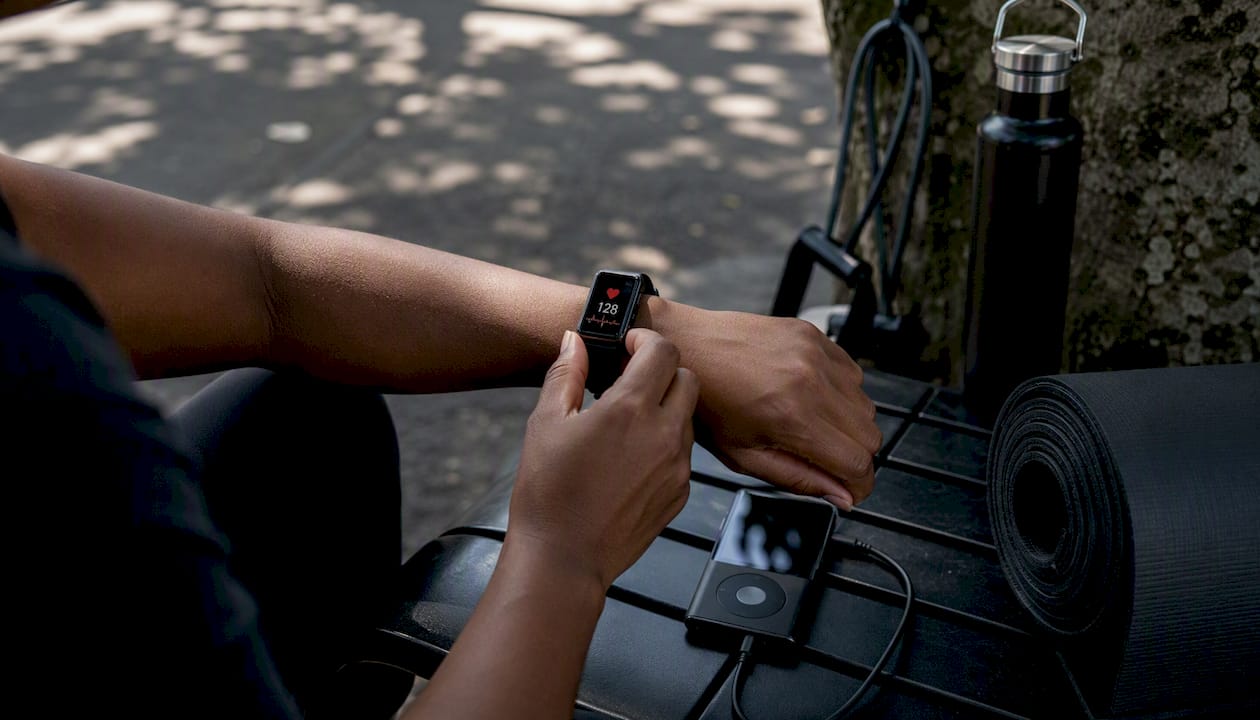

Repbeats’ auto-DJ technology updates your music’s BPM every bar, reading live data from your Apple Watch or Fitbit to match tempo to your actual heart rate and cadence. For Tabata, that means the music pushes harder when your intensity climbs and eases back during rest, without you touching a setting. Built-in interval cueing handles the 20s/10s boundaries, so there’s no separate timer to watch and no track editing required.
Three things Tabata practitioners get immediately: automatic BPM sync tied to wearable data, formatted 4-minute blocks with embedded cues, and smooth warm-up and cool-down transitions that support heart-rate recovery. The freemium model means you can test it before committing to a subscription. Start your free trial at Repbeats and run one Tabata session to see how adaptive tempo changes the feel of every round.
Useful sources and where to find Tabata music
- Tabata Songs — vocal-cued tracks built for the 4-minute protocol, plus follow-along videos and a companion app with Apple Watch support.
- Workout Music Lab — Tabata 10 — professionally mixed Tabata tracks available at multiple BPM options (136, 138, 140, 150) with warm-up and cooldown sections.
- ACE Fitness — Tabata resources — authoritative protocol definition and exercise guidance for Tabata training.
- Repbeats blog — adaptive music best practices, BPM zone guidance, and wearable integration tips for athletes.


