HIIT Running Music: BPM-Matched Playlists for Intervals
Jordan MillsAugust 8, 2026 · 11 min read

HIIT Running Music: BPM-Matched Playlists for Intervals
A short, BPM-matched playlist or an adaptive-BPM app synced to your interval template is the fastest way to make HIIT running consistent. The music does more than motivate — it cues your transitions, regulates your pace, and reduces the mental overhead of watching a timer every 20 seconds. For any effective HIIT running mix, you need five things:
- Tempo-matched work tracks at high tempo ranges suitable for sprint phases
- Lower-tempo recovery tracks at moderate tempos suitable for rest phases
- Embedded vocal cues or a wearable-synced app like Repbeats to signal transitions
- A short warm-up block (2–3 minutes, 120–130 BPM) and cool-down to bookend the session
- A structure that mirrors your interval template (20/10, 30/30, 40/20, or 60/30)
Research published on NCBI shows rhythmic auditory cues can influence perceived exertion during high-intensity exercise. Shape’s editorial team treats deliberate playlist design as a functional performance tool, not a preference. Pick your template, load a matching playlist or enable adaptive sync, and you’re ready in under 60 seconds.
Key Takeaways
BPM-matched music tied to your interval template is the single most effective structural change you can make to a HIIT running session.
| Point | Details |
|---|---|
| Match BPM to effort phase | Use 155–175 BPM for sprint phases and 120–130 BPM for recovery phases. |
| Choose a template first | Pick 20/10, 30/30, 40/20, or 60/30 before building or loading any playlist. |
| Use cues or adaptive sync | Embedded vocal cues or a wearable-synced app removes the need to watch a timer. |
| 20 minutes is enough | Research supports shorter HIIT sessions as effective for cardiovascular and metabolic outcomes. |
| Repbeats adapts in real time | Repbeats reads Apple Watch or Fitbit data and updates BPM every bar to match your live effort. |
Table of Contents
- Why does tempo-targeted music improve HIIT running?
- How do you map BPM to your HIIT running intervals?
- What playlist templates work for common HIIT interval formats?
- How do you time intervals with music?
- Is HIIT running safe, and is 20 minutes enough?
- How do you build your own HIIT running mix from scratch?
- Why adaptive BPM music is the better choice for interval running
- Repbeats syncs your music to every interval automatically
- Sources
Why does tempo-targeted music improve HIIT running?
Music influences perceived effort during a run beyond enjoyment. Peer-reviewed research shows rhythmic auditory cues can lower perceived exertion and improve pacing consistency during high-intensity exercise — which matters most when you’re 90 seconds into a 30-second sprint and your brain is lobbying hard to slow down.
Research signal: Rhythmic auditory cues have been shown to reduce perceived exertion and support pacing during high-intensity intervals, making tempo-matched music a functional training tool rather than background noise.
Producer-curated mixes make this concrete. The Eli & Fur Apple Music Fitness mix is built around a pyramid BPM model — BPM climbs through the work phases and eases back symmetrically, so the music literally guides the run’s arc. That’s not accidental. It’s the same logic coaches use with pacing charts, just delivered through your headphones.
The cognitive-load benefit is real too. When the beat tells you the sprint is ending, you stop splitting attention between effort and the clock. That focus compounds across a 20-minute session.
- Tempo cues reduce the need to check a watch mid-interval
- Consistent BPM anchors stride rate, which stabilizes pacing
- Music-driven transitions feel less abrupt than a phone alarm
How do you map BPM to your HIIT running intervals?
Pick distinct BPM ranges for work and recovery phases, then arrange tracks so the order mirrors your interval structure. The table below gives practical targets for the most common formats.
| Interval Phase | BPM Range | Cadence Notes |
|---|---|---|
| Warm-up | 120–130 BPM | Easy jog; steps roughly match half-beats |
| Work phase (sprint) | 155–175 BPM | Stride rate near 160–180 steps/min |
| Recovery (active) | 120–130 BPM | Walk or slow jog; let BPM drop naturally |
| Cool-down | 100–120 BPM | Walking pace; full beat per step |
Cadence and pacing research supports aligning stride rate with track tempo during running intervals. Many runners naturally match their stride rate to the tempo of the music. For recovery, dropping to 130 BPM cues the body to decelerate without a conscious decision.
- Stride-rate matching works best during sprint phases when you want the music to pull your cadence up
- Pure tempo cues (music as a background signal) work better during recovery when stride rate varies
Pro Tip: If you’re newer to HIIT running, nudge your work-phase BPM down by 5–10 BPM (145–155 BPM) until your aerobic base supports faster cadences. If the music feels off-tempo, swap the track before adjusting your stride — forcing an unnatural cadence increases injury risk.
What playlist templates work for common HIIT interval formats?
Start by matching your playlist structure to your planned interval format. Here’s how to blueprint each one:
20/10 (Tabata-style) — 4 minutes per round Eight 20-second sprints, 10-second rests. Use Tabata-specific BPM guidance to target 165–175 BPM work tracks. A single continuous mix with embedded vocal cues works better here than individual tracks — transitions are too fast for manual skipping. Total session: 16–20 minutes with warm-up.
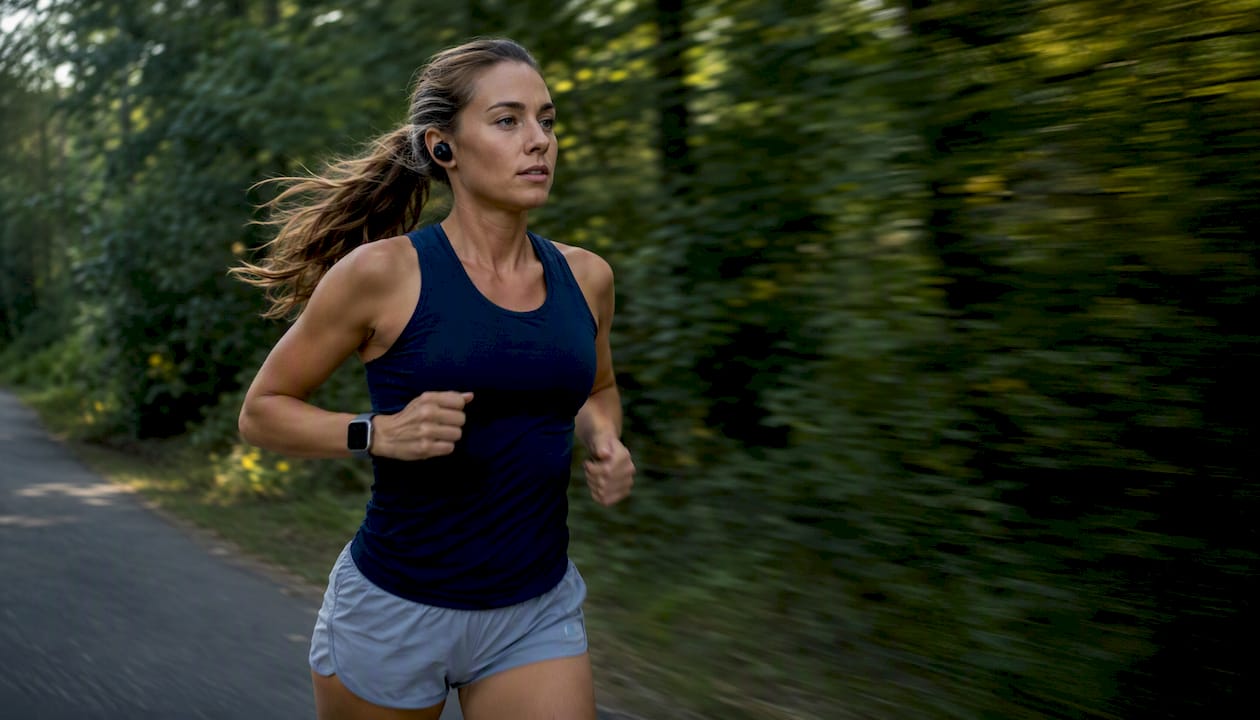
30/30 — balanced effort/rest Equal work and rest. Alternate between 155–170 BPM tracks (30 seconds) and 125–135 BPM tracks (30 seconds). Genre targets: high-energy electronic or hip-hop for work; mid-tempo pop or downtempo house for recovery. Pre-mixed HIIT running albums on Spotify often use this structure.
40/20 — longer sprint, short rest Requires more sustained effort in work tracks. Use higher-tempo tracks for the longer sprint phase and moderate tempo for the short recovery. Genres like drum-heavy electronic or fast hip-hop maintain energy without early peaking.
60/30 — endurance-focused intervals Sixty-second work phases need tracks that sustain without feeling frantic. Target 155–165 BPM. Avoid tracks that peak in the first 15 seconds — progressive builds work better. Recovery at 120–130 BPM.
20-minute HIIT block Use a pyramid structure: 3-minute warm-up, four to six work/recovery pairs at increasing BPM (155 → 170 → 175), then mirror the descent back down, finishing with a 2-minute cool-down. Explore soundtrack types that fit each phase of this arc.
Treadmill vs. outdoor note: On a treadmill, tempo stability matters more — a track that shifts BPM mid-song can disrupt a locked-in pace. Outdoors, prioritize awareness: keep one earbud out or use bone-conduction headphones, and avoid tracks with long quiet passages that make you reach for your phone.
How do you time intervals with music?
The best options are embedded vocal-cue mixes or an adaptive music app synced to your interval template and wearable data. Here’s how each method works in practice:
- Pre-mixed vocal cues: A narrator or DJ voice calls out “work,” “rest,” and countdowns within the track. No watch-checking required. Epidemic Sound’s HIIT catalog includes mixes built this way, with tempo-sorted tracks and embedded cues for interval timing.
- Metronome/beat markers: A click or drum accent at interval boundaries. Subtle but effective for experienced runners who know their templates cold.
- Interval playlists with quick fades: Manually arranged tracks that fade out at the interval endpoint. Requires upfront editing but works offline without any app.
- Adaptive apps with wearable sync: The app reads your heart rate or cadence from an Apple Watch or Fitbit and adjusts BPM in real time. Repbeats uses this approach — its auto-DJ technology updates BPM every bar based on live wearable data, so the music tracks your actual effort rather than a fixed timer. Wearable data drives this behavior by feeding cadence and heart rate into the BPM engine continuously.
Outdoor runners benefit most from vocal cues or adaptive sync — no need to glance at a watch mid-sprint. Treadmill runners can use any method since the environment is controlled.
Pro Tip: Before you start: pair your wearable, open Repbeats or your interval playlist app, select your template, and hit play. The whole setup takes under 60 seconds. For manual playlists, queue the tracks in order the night before so you’re not scrolling mid-warmup.
Is HIIT running safe, and is 20 minutes enough?
Yes, HIIT running is viable for most healthy adults, and 20 minutes is sufficient for meaningful physiological benefit in many cases. PubMed-indexed interval training research supports shorter, high-intensity sessions as effective for cardiovascular and metabolic outcomes. A meta-analysis on HIIT and glucose regulation found meaningful improvements in metabolic markers from HIIT protocols.
On cortisol: HIIT does elevate cortisol acutely, as any intense exercise does. The concern is chronic elevation from overtraining — doing HIIT daily without adequate recovery. Two to three sessions per week with rest days between them keeps stress markers in a healthy range for most athletes.
Safety checklist before every session:
- Complete a 2–3 minute warm-up at easy pace before the first sprint
- Stop if you feel chest pain, dizziness, or sharp joint pain — not just fatigue
- Keep sprint efforts at hard but controlled intensity, not all-out sprinting on every rep
- Stay hydrated, especially in heat; HIIT elevates core temperature faster than steady-state cardio
- Outdoors: use bone-conduction headphones or one earbud so you can hear traffic
How do you build your own HIIT running mix from scratch?
Choose your interval template first, then build the track list around it. Here’s the workflow:
- Pick your interval template (20/10, 30/30, 40/20, or 60/30) and calculate total session length including warm-up and cool-down.
- Set BPM targets for each phase using the mapping table above. Write them down before searching for tracks.
- Find tracks at the right BPM. Use Spotify’s BPM filter, Soundiiz, or a tool like Tunebat to check track tempo before adding it. Epidemic Sound’s HIIT catalog sorts by tempo and energy level.
- Add cues or fades. Use GarageBand (iOS) or Audacity (desktop) to trim tracks to interval length and add a short fade or a click at the transition point.
- Arrange in pyramid order: warm-up tracks → incrementally higher BPM work intervals → symmetric descent → cool-down. This structure improves perceived effort and psychological pacing.
- Test run and adjust. Run one full interval cycle with the mix before committing. If a track peaks too early or the BPM feels wrong at full effort, swap it before the real session.
For sourcing, personalized gym session guides and adaptive music best practices cover practical track-selection and scheduling tips in more detail.
Pro Tip: Build a pyramid structure: start at 120 BPM, peak at 175 BPM mid-session, then mirror the descent. Runners consistently report this feels more manageable than a flat high-BPM block — the gradual climb gives your body time to find its rhythm before the hardest intervals hit.
Why adaptive BPM music is the better choice for interval running
Static playlists work. Adaptive BPM music works better. The difference shows up most in the middle of a session, when fatigue starts distorting your sense of pace and a fixed-tempo track no longer matches what your body is actually doing.
When the music adapts to your heart rate and cadence in real time, it stops being a metronome and becomes a pacer. Runners who use adaptive BPM report fewer missed interval endpoints and more consistent effort across the full session — not because the music is louder or more energetic, but because it stays calibrated to them. A track that bumps BPM when your cadence drops is a subtle but persistent nudge back to target pace.
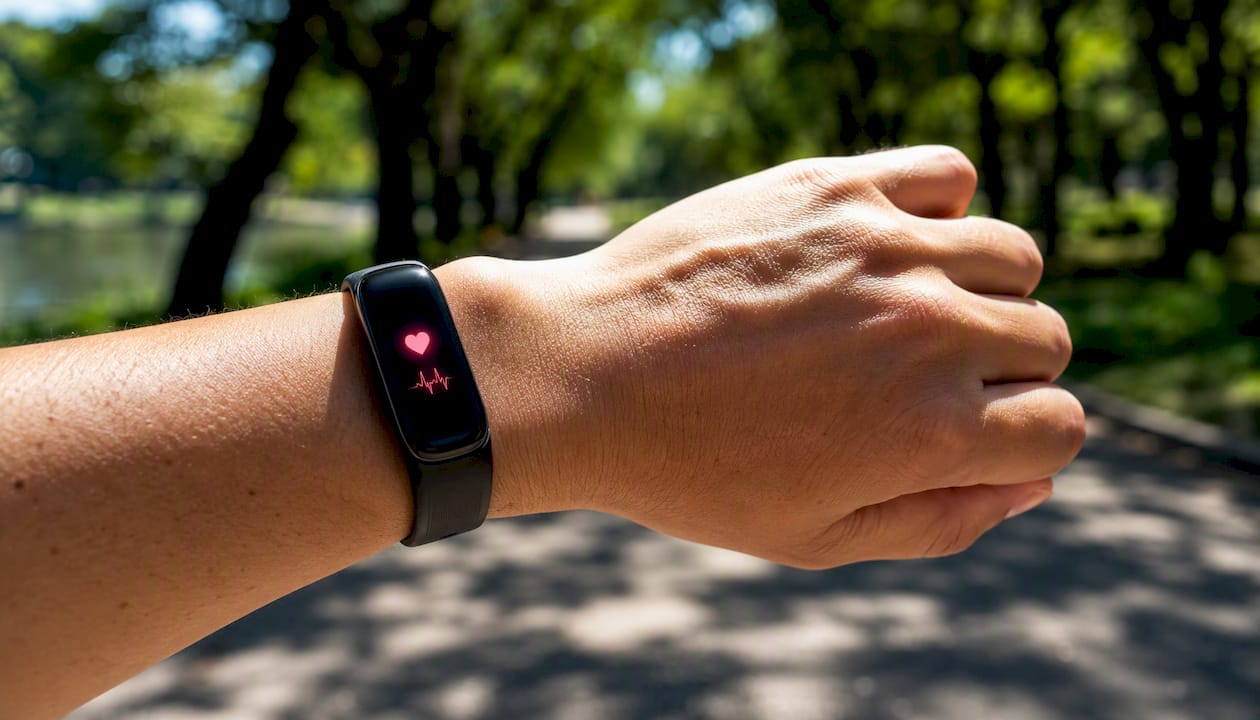
Repbeats handles this through wearable integration with Apple Watch and Fitbit, updating BPM every bar based on live data. That’s a meaningfully different experience from queuing up a static playlist and hoping the tempo still fits at minute 14. Heart rate and music alignment explains the mechanics behind why this calibration matters for interval running specifically.
Repbeats syncs your music to every interval automatically
If you’ve spent time building static playlists only to find the BPM feels wrong by the third interval, Repbeats solves that problem directly. It reads your heart rate and cadence from your Apple Watch or Fitbit and updates the music’s BPM every bar — no manual adjustments, no mid-run phone-touching.

The app includes pre-built templates for common HIIT formats (20/10, 30/30, 40/20), a music library with BPM-sorted tracks, and a scheduling feature so your playlist is ready before you lace up. The auto-DJ engine handles the transitions, so your intense cardio music always matches your actual effort level rather than a fixed timer.
Try Repbeats free and load a HIIT interval template in under a minute. A free trial is available — no long-term commitment required to test it with your next run.


