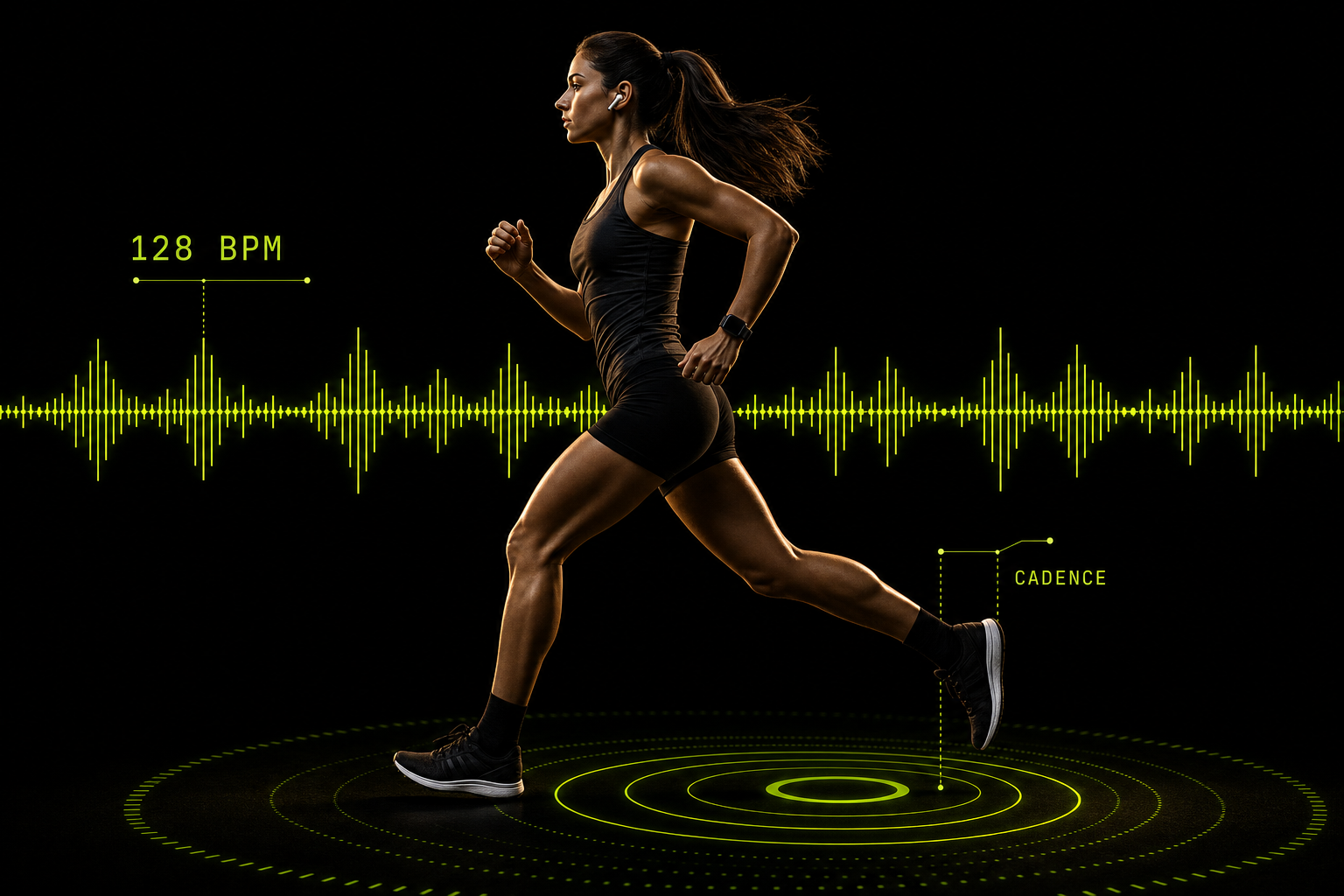
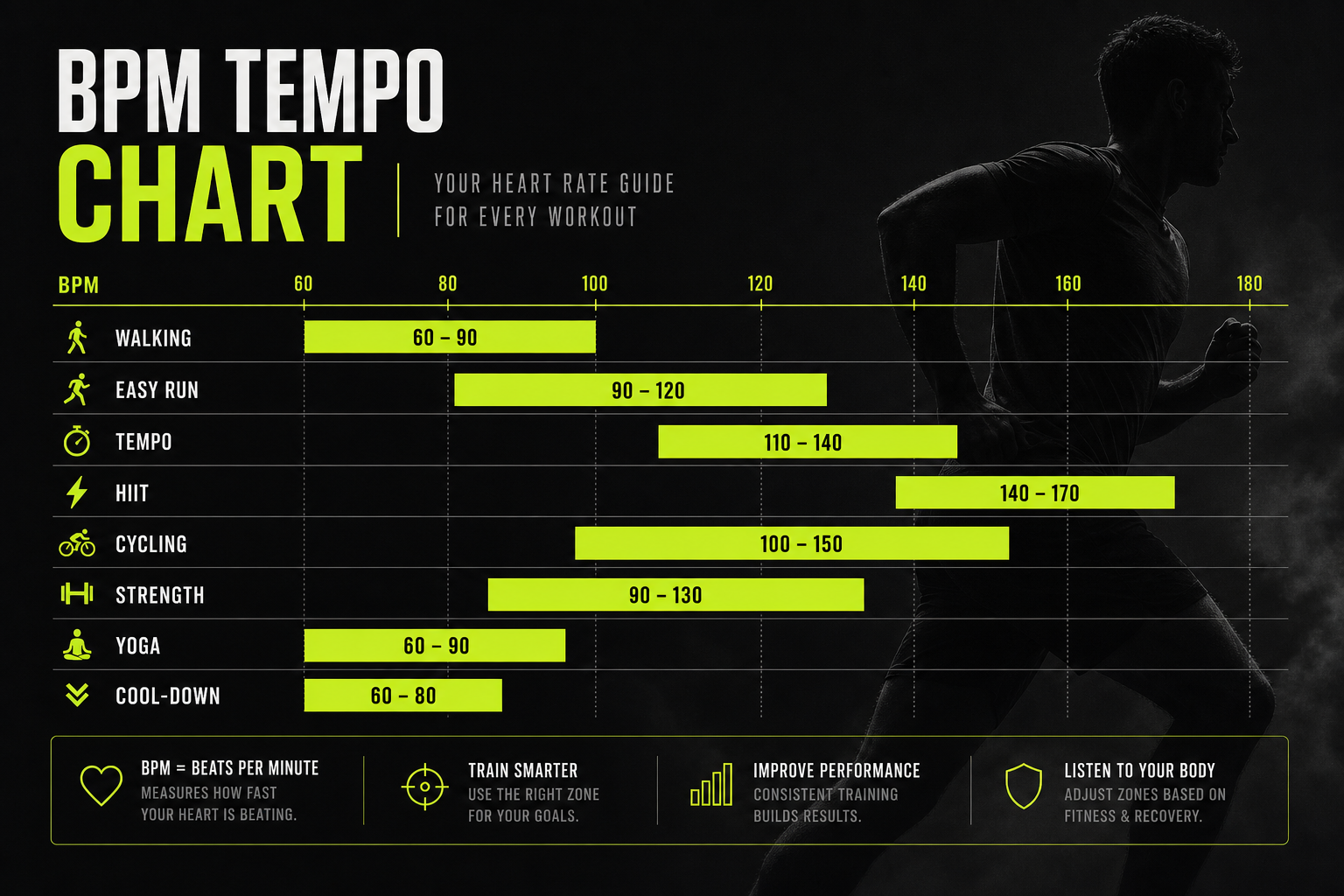
Apple Watch Music Latency: Causes, Fixes, and What It Means for Running
Jordan MillsNovember 3, 2026 · 13 min read

Apple Watch Music Latency: Causes, Fixes, and What It Means for Running
Apple Watch music latency is the delay between something happening on your wrist (a tap, a track change, a new song starting) and you hearing it through your Bluetooth headphones. Most of the time, the cause is the Bluetooth link between watch and headphones, a track loading from the cloud, or a weak connection that your body is blocking. Most of it is fixable in a few minutes, and much of it does not matter for a steady run.
This guide separates the kinds of delay people lump together, gives you a fix order that works, and explains when delay affects workout rhythm and when it does not.
TL;DR
- “Latency” usually means one of three things: a slow start when a track loads, a constant Bluetooth delay, or dropouts and stutters. Each has a different fix.
- A fixed Bluetooth delay of a fraction of a second rarely changes how a run feels. Gaps, pauses and skipped songs do.
- Download music to the watch, keep the watch updated, and clear the path between watch and headphones before you blame the hardware.
- Re-pair the headphones and restart both devices if the problem persists. Start a workout from the Workout app so audio is set up before you move.
- If you want music that follows your pace, tempo matters more than milliseconds. Tempo-adaptive playback keeps the beat aligned with your effort.
Table of Contents
- Three different problems that get called latency
- What causes delay and dropouts on a run
- A fix order that works
- Does a delay actually throw off your running tempo?
- Why tempo matters more than milliseconds
- Perspective
- Phone-free runs and offline music
- Different workouts, different priorities
- Choosing headphones with delay and stability in mind
- Try music that follows your effort
- FAQ
- Sources
Three different problems that get called latency
Search results for this topic mix up very different complaints. Forum threads are full of people describing a watch that pauses mid-song, a song that will not advance, or a library that takes forever to sync. Those are not the same thing as audio delay, and the fixes do not overlap much.

Start delay. You press play and wait. This usually happens when the song is not stored on the watch and has to stream. Apple’s guide to playing music on Apple Watch explains that the watch can play music stored on it or stream Apple Music for subscribers, through paired Bluetooth headphones. Streaming depends on the connection at that moment. Stored music does not.
Transport delay. This is the constant lag that Bluetooth adds between the watch sending audio and your ears hearing it. It is built into how wireless audio works: the signal is packaged, sent, buffered and decoded. You notice it mostly with video. For music, a steady lag of a fraction of a second is inaudible because nothing is trying to line up with it.
Instability. The audio cuts out, stutters, or the watch drops the headphones. This is the one that actually ruins a run, and it is usually about signal path, pairing history or software, not the delay figure.
A fourth item turns up in the questions people ask: music that takes a long time to sync to the watch. That is a file transfer issue between iPhone and watch, not playback latency. Older forum discussions tie slow transfers to the two devices not sharing the same Wi-Fi network, so the transfer crawls over Bluetooth. Put the phone and watch on the same Wi-Fi, keep them close and on the charger, and leave them alone until the transfer finishes.
What causes delay and dropouts on a run
The watch is not the iPhone
An iPhone has a bigger antenna, a bigger battery and more room for radio hardware. The watch has a small antenna sitting on your wrist, and when you run your arm swings, so the watch is often on the side of your body away from a phone in your pocket or armband. That matters most when the watch is also acting on behalf of an iPhone.
When headphones sit on the opposite side of your head from the wrist wearing the watch, the signal passes through or around your body. Community reports describe audio gapping when the watch is behind the body or the arm swings through a bad position. Your body absorbs a lot of 2.4 GHz signal, so this is plausible, and it explains why a connection that works at your desk stutters at mile two.
The environment
Apple’s own guidance on wireless headphones that cut out lists the usual suspects: obstructions such as walls or floors, lots of people and Wi-Fi activity in the area, poorly shielded cables, microwave ovens and wireless speakers. A gym floor, a crowded trail start or a city street full of devices is a noisy place for Bluetooth. If your music only breaks in one spot on your route, treat that spot as the cause before you change settings.
Software versions
Some playback bugs are fixed by updates, not settings. Apple’s notes on watchOS 26 updates say watchOS 26.2 addressed an issue where the Music app might fail to advance to the next song. If your watch pauses between tracks and you are behind on updates, update before anything else.
Codecs and buffering
Headphones buffer audio to protect against interference. More buffering means fewer dropouts and more delay. Different headphones make different choices, which is why two models on the same watch can feel different. You cannot tune this yourself, but it is a reason a headphone swap can change things when nothing else does.
A fix order that works
Work top to bottom. Each step is cheaper than the one after it.
- Update the watch and iPhone. Install the latest watchOS and iOS, then restart both.
- Download your music to the watch. Local files remove the streaming start delay and the dependence on a connection. Do this on Wi-Fi, on the charger, before the run, not while you are heading out the door.
- Check the path. Put the watch on the wrist closest to a clear line to your headphones where you can, and try other fits of strap and position. Note whether dropouts happen in one location.
- Forget and re-pair the headphones. If your headphones have been paired with phones, cars and laptops, stale pairings can cause instability. Remove them from the watch’s Bluetooth list, reset the headphones following the maker’s instructions, then pair fresh.
- Pair with the phone out of the picture. Some users report that pairing headphones to the watch directly, with Airplane Mode on and Wi-Fi switched back on, produces a steadier connection. It costs a minute to try.
- Start audio from the Workout app. Apple documents how to play audio during a workout: in the Workout app, tap the media playback button and turn on Autoplay Media, and Bluetooth headphones or speakers are required for audio to start automatically. Setting audio before you start means the connection is made while you are standing still, not while you are running.
- Restart everything once more. Restart the watch and phone, then test indoors, then outdoors.
If the fault survives all of this on more than one pair of headphones, contact Apple Support, because it is no longer a pairing problem.
Does a delay actually throw off your running tempo?
This is where most articles overstate things. Some circulate precise numbers for how many milliseconds of delay hurt running economy. We could not trace those to a study we would stand behind, so we will not repeat them. The reasoning is more useful.
A constant delay shifts every beat by the same amount. If you run to a track at 170 BPM and your headphones add a small, fixed lag, every beat still arrives 170 times per minute. Your feet follow the interval between beats, not the absolute timing against some clock. A fixed lag is invisible to you.
What breaks rhythm:
- Gaps and dropouts. A half second of silence breaks the pattern your stride was following.
- Variable delay. Delay that changes as the connection struggles smears the beat.
- Track changes. A slow transition between songs at different tempos pulls your cadence off course.
- Wrong tempo for the effort. A perfectly delivered song that is 20 BPM off your cadence does more harm than any Bluetooth lag.
So if your goal is staying in rhythm with your steps or pedal strokes, fix stability first and tempo choice second. Chasing a few milliseconds is the last thing to worry about.
Why tempo matters more than milliseconds
The useful question for a runner or cyclist is whether the beat matches what the body is doing. Our guides cover this in more detail, including what adaptive music on Apple Watch does and does not do and how cadence targets work on the watch.
In short: a static playlist has fixed tempos. Your pace changes across a session: warm-up, climbs, intervals, cooldown. Songs fall out of step with you within minutes. Matching music to heart rate or cadence means the beat follows the effort instead of the other way around. If you want to see how the pieces connect, read how to connect wearables to music for real-time tempo sync.
Perspective
Most advice about wearable audio treats delay as a spec to beat. After building around heart rate and cadence data, we see it differently. A steady lag does not hurt your rhythm. A beat that does not move with you does.
That is why Repbeats is designed around tempo, not transport speed. Our auto-DJ updates the music’s BPM every bar using live data from wearables like Apple Watch and Fitbit, so the soundtrack tracks your heart rate, cadence and session intensity as they change, instead of replaying a list built for a different effort.
Stability still matters, and we would rather you fix a bad connection than live with it. Download what you can, keep devices updated, and clear the signal path. Then let the music do the adapting. Our privacy policy limits device access to workout data only, which is the data the app needs to do that job.
Jordan Mills
Phone-free runs and offline music
Leaving the phone at home removes one radio from the chain, and it makes the stored-music step more important. When the watch plays from its own storage, there is no cloud load at the start of a track, and fewer things can interrupt the stream. Our guide to running music without a phone walks through syncing cadence or heart rate on a watch alone, and the post on autoplay and offline workout music covers the Workout app controls in more depth.
A short checklist before a phone-free run:
- Music downloaded to the watch on Wi-Fi, and confirmed to play with the phone out of the room.
- Headphones charged and paired directly to the watch.
- Autoplay Media set in the Workout app for your workout type.
- A test of ten seconds of playback while moving your arms.
Different workouts, different priorities
Not every session needs the same thing from your audio.
Steady runs and zone training. You want an unbroken stream at a tempo that supports a steady effort. Our Zone 2 music guide shows how to set the zone and match the beat.
Intervals. Effort jumps from easy to hard and back. Static playlists fight you here, and so does a slow song transition. Per-bar tempo sync is designed for this kind of change.
Cycling. Cadence is the natural anchor, and pedal strokes make the beat easy to feel. Dropouts are as noticeable as on a run.
Meditation and breathing. Latency is a non-issue here, since nothing needs to line up with a beat. The priority is a calm, slow tempo; see our breathing music guide.

Choosing headphones with delay and stability in mind
You do not need to chase published latency tables. When picking headphones for the watch, ask these questions:
- Does the connection hold up when the watch is on the far wrist? Test it during a real run, not in the store.
- Is the fit secure? A bud that shifts as you run changes how the antenna sits against your head.
- How easy is the reset and re-pair process? You will use it at some point.
- Does the battery cover your longest session with margin? Low battery can make behavior erratic.
- Is it designed for sweat and motion? Look at the maker’s rating, not marketing.
You may read that one headphone model has half the delay of another. Even if true, it does not tell you which will hold the connection on your route. Reliability beats a spec number for running.
Try music that follows your effort
If you have fixed the connection and still find your playlist fighting your pace, the next step is changing what plays, not how it is delivered. Repbeats is a fitness app that syncs music tempo to your heart rate, cadence and session intensity, using live data from Apple Watch and Fitbit, and updates the BPM every bar. It covers running, cycling and meditation. See the Repbeats app or start at repbeats.com.
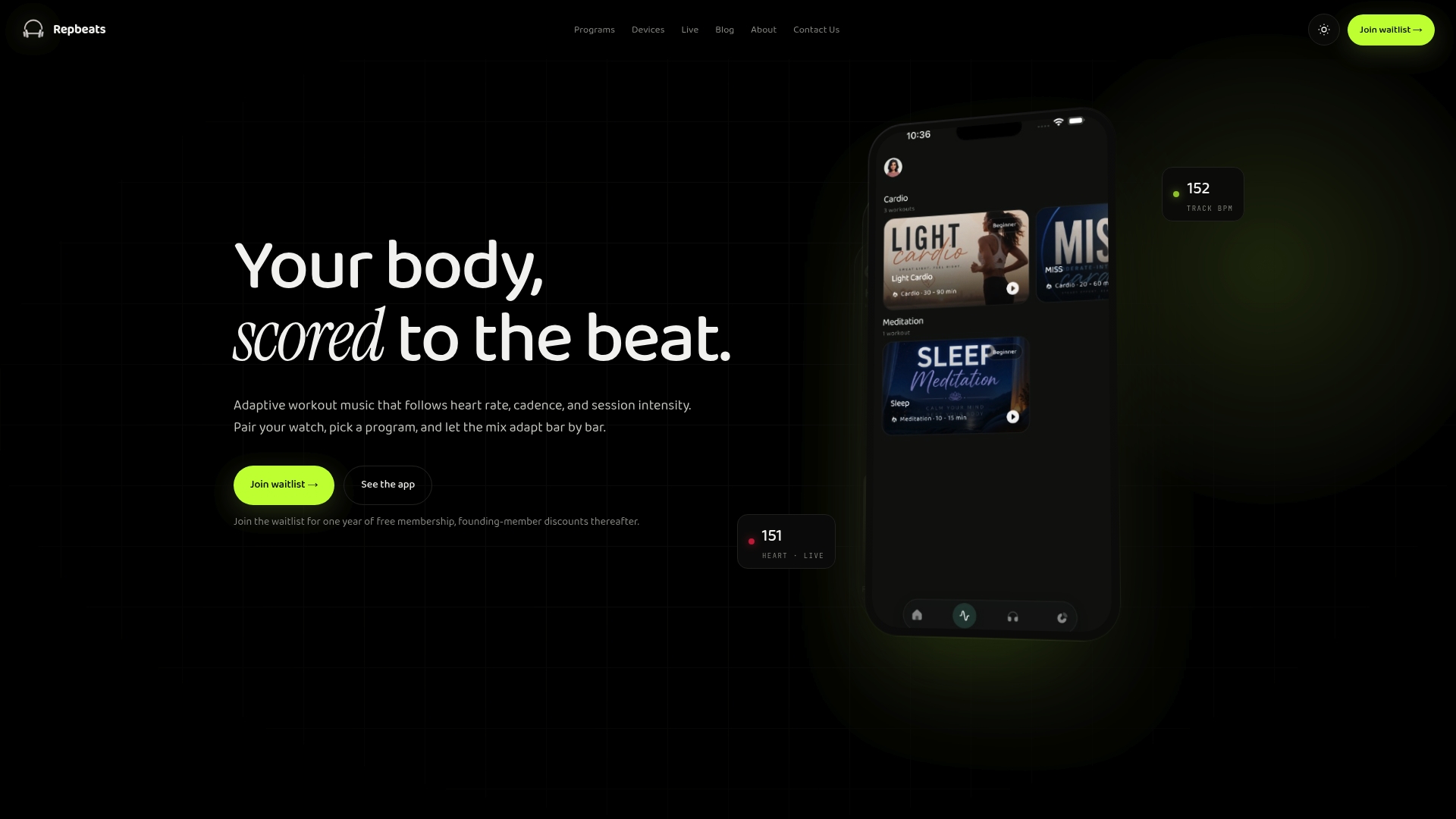
If you want to understand the approach before you try it, read why adaptive music beats fixed playlists and how AI workout music syncs to heart rate in real time.
FAQ
Why does my Apple Watch music pause or stutter during a run?
The most common causes are a weak Bluetooth path, interference and out-of-date software. Your body can block the signal when the watch swings behind you, and crowded areas add noise. Update watchOS, forget and re-pair the headphones, and test where it breaks.
Is Bluetooth delay on Apple Watch bad for running to a beat?
Not by itself. A steady delay shifts every beat equally, so the tempo you hear is unchanged. Gaps, variable lag and mismatched tempo are what throw off your stride, so focus on stability and choosing music that matches your cadence.
Why is my music slow to sync to my Apple Watch?
Syncing is a file transfer between your iPhone and watch, not playback delay. Reports tie slow transfers to the devices not sharing the same Wi-Fi network, which leaves the transfer to run over Bluetooth. Keep both on the same Wi-Fi and close together, charge them, and restart both if it stalls.
Can I play music through Bluetooth headphones from my Apple Watch?
Yes. Apple says the watch can play music stored on it or stream Apple Music for subscribers through paired Bluetooth headphones. For automatic audio at the start of a workout, Apple notes that Bluetooth headphones or speakers are required.
Sources
- Play music on Apple Watch, Apple Support
- Play audio during a workout on Apple Watch, Apple Support
- If the sound from your wireless headphones cuts out or is distorted, Apple Support
- About watchOS 26 updates, Apple Support
- Syncing music to watch really slow?, MacRumors Forums
- Apple Watch Series 6 disconnecting, Apple Community